04 / Verify the App Store listing
Verify the app and understand the purchase
Shadowrocket is a closed-source commercial app. Use the App Store product page and information visible in the app to verify it. Confirm the app’s identity, then review its price, compatibility, and purchase availability. Don’t rely on search ranking or a similar name alone.
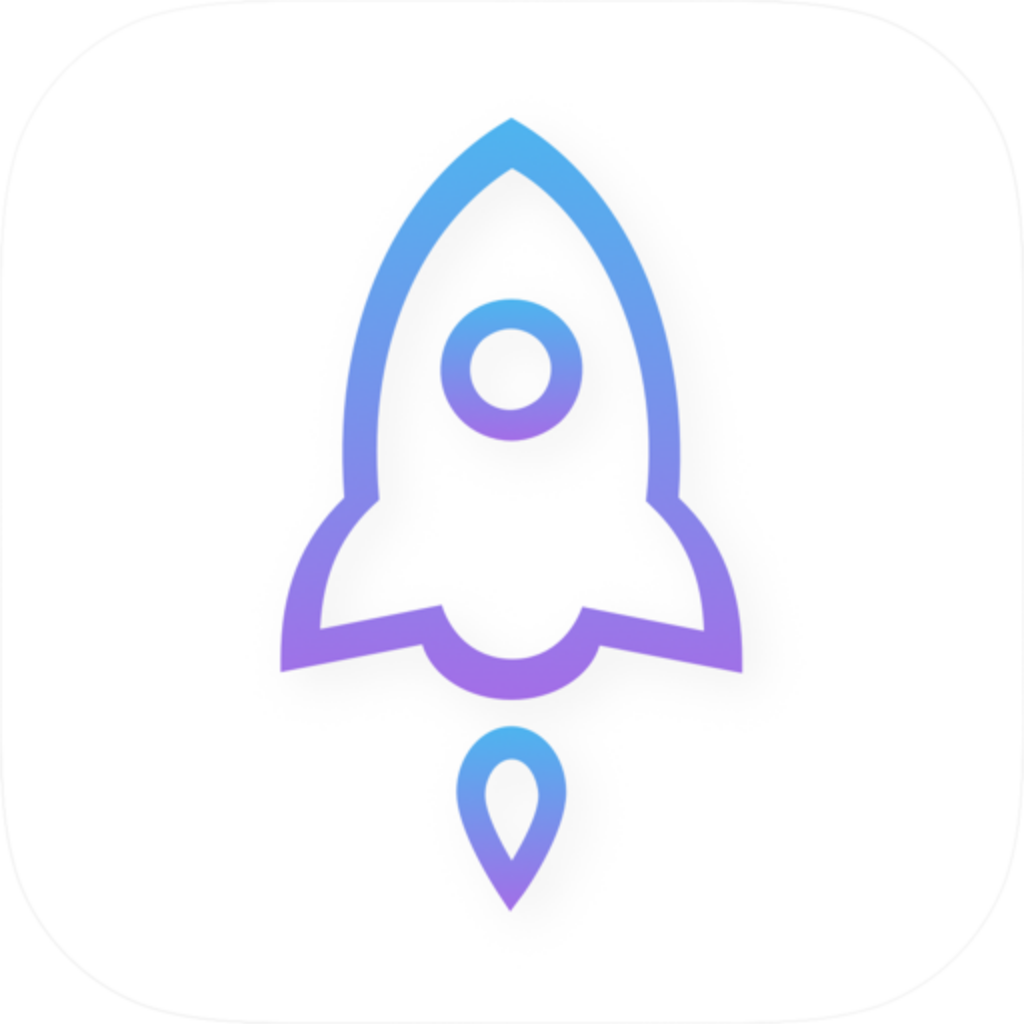
Developer, official icon, and app ID
The developer should be Shadow Launch Technology Limited, and the app ID is 932747118. The id932747118 in the product page URL can help you verify the listing. Compare its App Store icon with the official icon shown here. All three details should match. A similar name alone isn’t enough to confirm it’s the same product.
After opening the product page from this guide, check the app title, developer, and price before paying. The app ID identifies the product; it isn’t an activation code or server information. If the listing doesn’t match what you expect, stop and verify the link before proceeding to payment.
Store availability and account storefront
App Store search results and product availability may depend on the account’s storefront, age-rating restrictions, and account status. If you can’t find the app in search, try opening the direct product page first. Then check content restrictions in Screen Time and the status of the account currently signed in to the App Store. A single search with no results doesn’t mean the product information has changed.
Check the App Store listing for system requirements and device compatibility. Review the compatibility section before purchasing. This guide doesn’t specify a fixed minimum system version, so outdated requirements aren’t mistaken for current ones. Recheck the product page and purchase confirmation screen when you buy.
See App Store access and availability ›
What a one-time purchase covers
The US storefront lists the app at $2.99 as a one-time purchase. Other storefronts show local currency; the actual amount is the one shown on the App Store product page and purchase confirmation screen. The one-time purchase covers the app, not access to a connection service, and it doesn’t mean you have a working server.
Buying the app ≠ buying a connection plan. This site does not provide, sell, or recommend servers or subscriptions. After purchasing the app, you’ll still need your own existing subscription or server details. Check their status, validity, and connection parameters separately from your app purchase record. A successful app purchase doesn’t verify that a server is available.
Read about pricing and what the purchase covers ›
Purchases and restoring purchases across devices
To use Shadowrocket on both iPhone and iPad, first check that the App Store is signed in with the Apple Account used for the original purchase, then check your purchases. Universal purchase availability across the two devices is subject to the App Store listing. After changing devices or reinstalling, if the store prompts you to buy again, check the account, purchase history, and product identity first.
Restoring the app and restoring its configuration are separate tasks. Getting the app again doesn’t automatically bring subscriptions, servers, or Config from your old device to the new one. Even with iCloud sync, check the actual content on the destination device and verify its connection authorization and current settings. Family Sharing availability also depends on the App Store listing and the account’s actual status.
See how to restore a Shadowrocket purchase ›
Recheck your settings after an update
App updates are handled through the App Store. Check the device’s store update settings and the product page. This guide doesn’t specify a version number or update date; in-app labels may change, so follow the wording in your current version. If connection behavior changes after an update, check the selected server, Global Routing, and active Config to make sure they still match your intended setup.
Keep the original configuration before editing rules, note each change, and verify it before moving on. When sharing troubleshooting details, describe the network environment, mode, and error, but don’t share subscription links, passwords, or complete personal browsing records. This preserves useful clues while reducing unnecessary exposure of personal information.
See common questions about purchases and configuration ›